Download Usage Report
This page shows you how to download your usage report from your self-hosted Logfire instance.
Access the Meta Organization
First, log in to your logfire-meta organization.
If you've never done this, see Accessing the Meta Organization for a quick way in.
Note
We recommend generating an invite link to invite your own users so you don't have to use the above method again.
Download the Usage Report
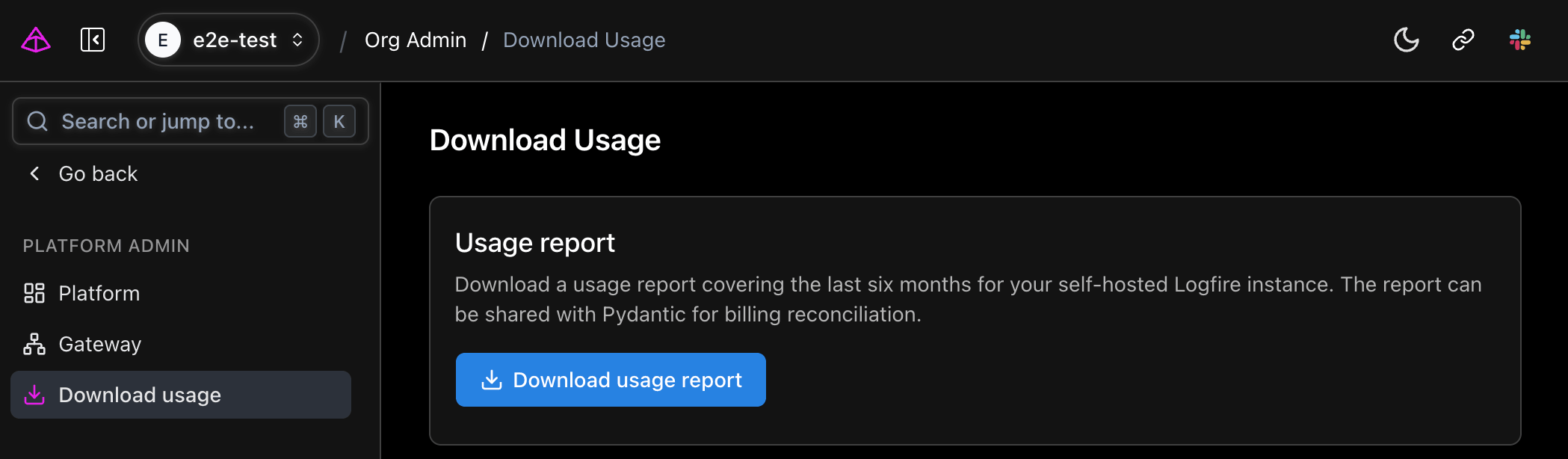
- Open the Settings menu.
- Under Platform admin, select Download usage.
- Click the Download usage report button.
The report covers the last six months for your self-hosted Logfire instance and can be shared with Pydantic for billing reconciliation.